Citadel performs web filtering out of the box. This means that Citadel periodically downloads OSINT lists of IP addresses, domains and URLs that have a malicious reputation. This can be because they are used for Command & Control by botnets, for exfiltration by malware, or simply for phishing. When the browser tries to navigate to, or retrieve from, an address, domain or URL on this list, the page is blocked. The event is logged as a time-critical event that requires immediate analysis by your SOC (ERROR).
The user is explained why the page was blocked, and is proposed to analyze the reputation issue further by clicking on a VirusTotal link. Citadel is configured to allow users to request exceptions, so as not, in case of a false positive, unduly block users that may urgently require access. This means that the option to request an exception is displayed. Users can then access the blocked page after having given a reason for doing so. In this case the event, with the reason, is then logged as a time-critical security event.
Bittorrent tracker sites are also filtered by default, to help you comply with Intellectual Property legislation.
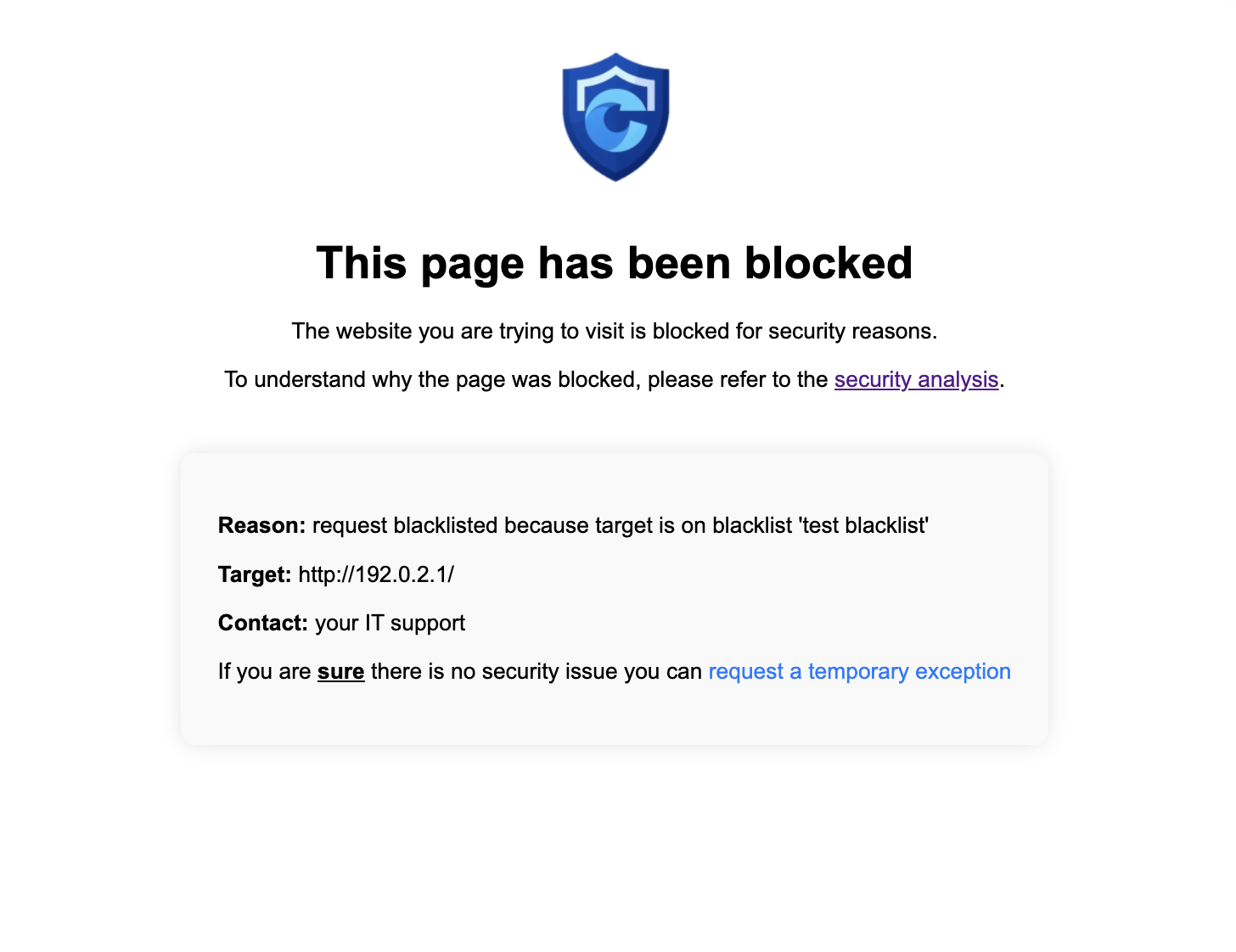
blacklists
You can add your own blacklists or disable the existing one by overriding the webfilter.ip and webfilter.url configurations. Each blacklist is specified by one or more URLs, and the refresh frequency (in minutes).
    "webfilter": {
        "blacklist": {
            "ip": {
                "FireHOL (level 1)": {
                    "urls": ["https://iplists.firehol.org/files/firehol_level1.netset"],
                    "freq": 60
                },
                "IPsum (level 2+)": {
                    "urls": ["https://raw.githubusercontent.com/stamparm/ipsum/refs/heads/master/levels/2.txt"],
                    freq: 60 * 12
                }
            },
            "url": {
                "URLhaus": {
                    "urls": ["https://urlhaus.abuse.ch/downloads/text_online/"],
                    "freq": 60
                },
            }
        }
    }
The blacklists configured by default are:
The webfilter.url blacklist accepts lists of URLs and lists of domains. Blacklists containing domains block all URLs in that domain, blacklists containing URLs block only that URL, whilst ignoring the query parameters and URI fragment (i.e. the “hash part”). In both cases the matching is done in a case-insensitive manner.
The IP blacklist is expected to contain one IPv4 address or one CIDR formatted subnet per line. The blacklists configured by default are:
Both blacklists can contain lines starting with #, which are interpreted as comments.
blacklist exceptions
By default, users can request an exception if they are blocked by a blacklist. They are then asked to provide a reason for the exception, after which they can bypass the blacklist for that host temporarily. The duration is stated in minutes, and setting it to 0 disables the possibility to ask for exceptions.
    ...
    "webfilter": {
        "blacklist": {
            "exceptions": {
                "duration": 0
            },
        }
    }
    ...
whitelists
In some cases your blacklist may accidentally include IPs or URLs that are false positives. In this case you can define a whitelist to bypass the blacklist. Since the whitelist configurations are arrays, you must re-state the whitelist configuration if you want to add your own entries to it.
This is for example the default configuration:
    ...
    "webfilter": {
        "whitelist": {
            "ip": [
                "10.0.0.0/8",
                "127.0.0.0/8",
                "0.0.0.0/32",
                "169.254.0.0/16",
                "172.16.0.0/12",
                "192.168.0.0/16"
            ],
            "url": [ ],
        }
    }
    ...